Reader wants to play immediately and will not install software
The fastest route into online gaming is a browser tab, not an app store. Installed games ask for storage space, a download that can take minutes or hours, and often an account before the first level loads. A browser game skips all of that: it's built to run inside the browser itself, using web technology called HTML5/WebGL that replaced the plugin-based players (Flash, Java applets) browsers stopped supporting years ago.
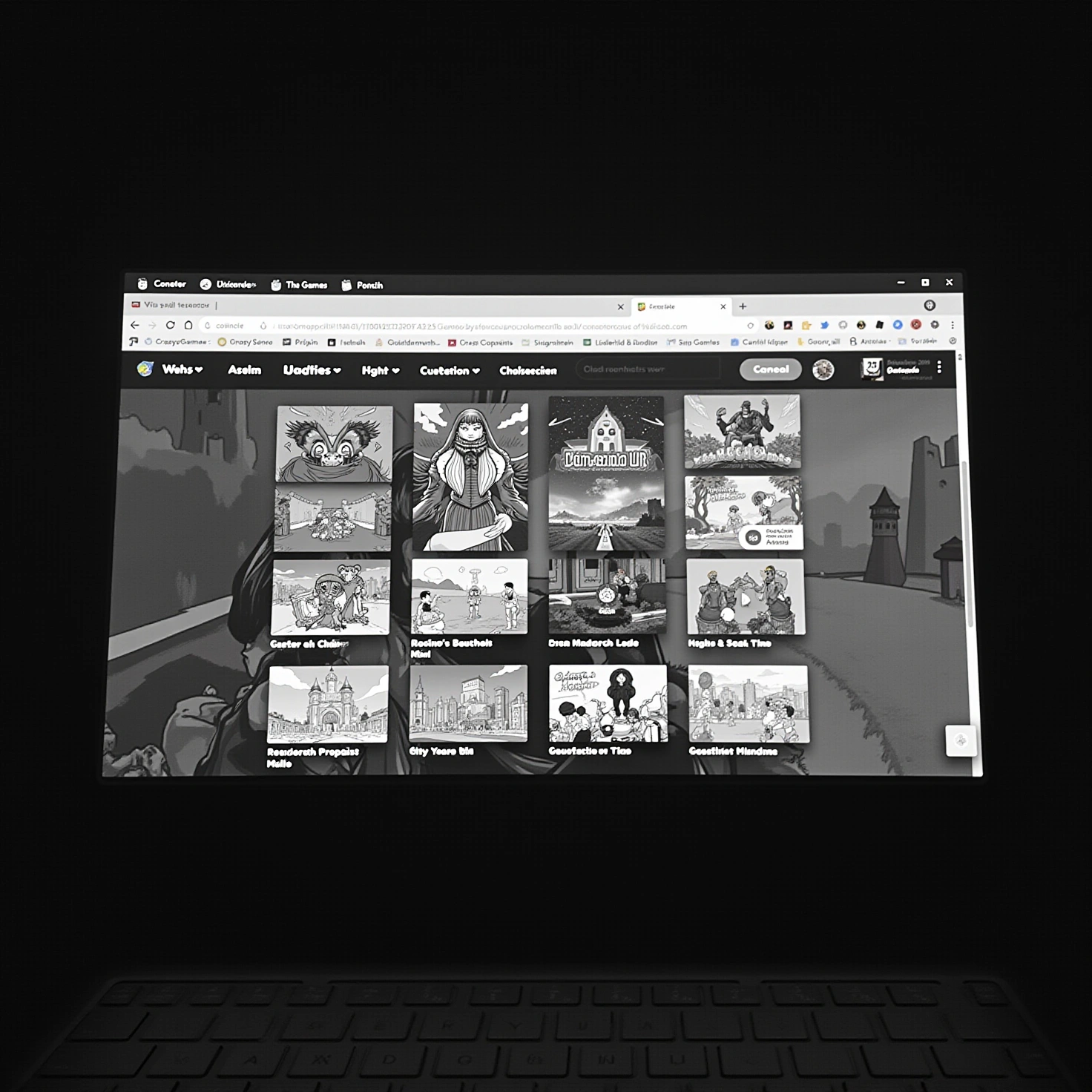
Game portals exist specifically to collect thousands of these browser-native titles into one place. Sites like CrazyGames, Poki, Playhop, and Addicting Games sort their libraries into categories — puzzle, racing, .io, card games — so a reader can browse by mood rather than search by title. Opening a category page and clicking a thumbnail is, in practice, the entire onboarding process: no account wall, no download, no install confirmation dialog.
This is also the clearest working definition of "online gaming" for most casual players: not a genre, but a delivery method. The game's code and assets live on a server and stream into the browser session, so the only thing the player's device needs is a modern browser and a connection. That's why portal sites dominate searches for the term — they are the literal answer to "how do I do this right now."
Reader wants to play with a specific friend rather than alone
Not every browser game supports this, so it helps to know which genres do before picking one. A single-player puzzle or solitaire title has no session for a second person to join — there's nothing to "multiplayer" about it, no matter how good the connection is.
Multiplayer is the specific mode where several players share one live session — a match, a lobby, a race — instead of each playing a private instance. It's the organizing category on nearly every portal's homepage because it's the single biggest fork in how a game is played. Running a multiplayer session requires a stable internet connection on both ends; unlike a single-player browser game, which can tolerate a slow load and then run locally, a multiplayer match depends on continuous back-and-forth with a server and with the other player's device.
Practically, this means the reader should pick from genres built around shared sessions — shooters, racing games, battle-royale style .io games — rather than genres built around solo progress, then invite the friend into that same session rather than starting separate games and comparing scores afterward. Portals such as CrazyGames and Poki group these titles under a dedicated multiplayer category for exactly this reason.
Reader is on a phone and wants a game that is normally an installed app
On a phone, the same title is often available two different ways, and they're not interchangeable. One route is the standard app store install: the game's files download to the device and run locally, using the phone's own processor and storage — the model behind an app like Online Games on Google Play, which bundles many small games into one installed app rather than one install per game.
The other route is cloud-run play, where the game actually runs on a remote server and only the video and audio stream to the phone's browser — the approach used by services such as now.gg, which lists categories of titles playable this way without any install. This removes the download and the storage requirement entirely, but it moves all the risk onto the connection: any drop in bandwidth or spike in latency shows up immediately as lag, stutter, or a frozen frame, because there's no local copy of the game cushioning the experience.
The choice, then, comes down to what the reader can't do without:
| Route | Needs install/storage | Works offline | Depends on connection quality |
|---|---|---|---|
| App store install | Yes | Often yes | Only for online features |
| Cloud-run / browser stream | No | No | Fully — every action round-trips to the server |
Reliable home wifi or an unlimited data plan makes cloud-run play a reasonable default; a spotty connection or a need to play on a train argues for the installed app instead.
What "online gaming" actually covers
The term gets used loosely, but it separates into a few distinct things. Online gaming is the umbrella: any game played over an internet connection, whether that's a browser tab, an installed app with online features, or a full client-based title. A browser game is one specific delivery format under that umbrella — code that runs in the browser itself rather than being installed, the model behind CrazyGames and Playhop. Multiplayer is a mode, not a format — it can exist inside a browser game or an installed one, and it just means several players sharing a live session. Cloud gaming is a separate delivery method again, where the processing happens on a remote server and only video streams down, whether or not the session includes other players.
Picking a starting point without a ranked list
There's no single "best" free online game, because the criteria depend entirely on what the reader wants — quick reflexes, a social session with a friend, or something to fill five minutes on a phone. A more useful approach is to pick by category rather than by title: browse a portal's puzzle section for something solo and quick, its .io or battle category for something multiplayer, or its racing and sports sections for short, replayable rounds. Portals such as Addicting Games and Poki organize their libraries this way specifically so a reader can filter by genre and player count instead of hunting for a name.
Judging whether a portal is worth using
Free portals are funded by advertising or by in-game purchases inside individual titles, and that funding model shapes what shows up on the page — expect ad breaks between rounds and prompts to unlock extra content. A trustworthy site states this plainly, keeps ads clearly separated from gameplay, and doesn't require an account just to try a game. Checking a portal's own about or help pages for its moderation policy and data practices before handing over an email address is worth the extra minute, especially for a younger player.
Pick one category, open a title with no sign-up wall, and see how it runs before deciding whether to install anything at all.